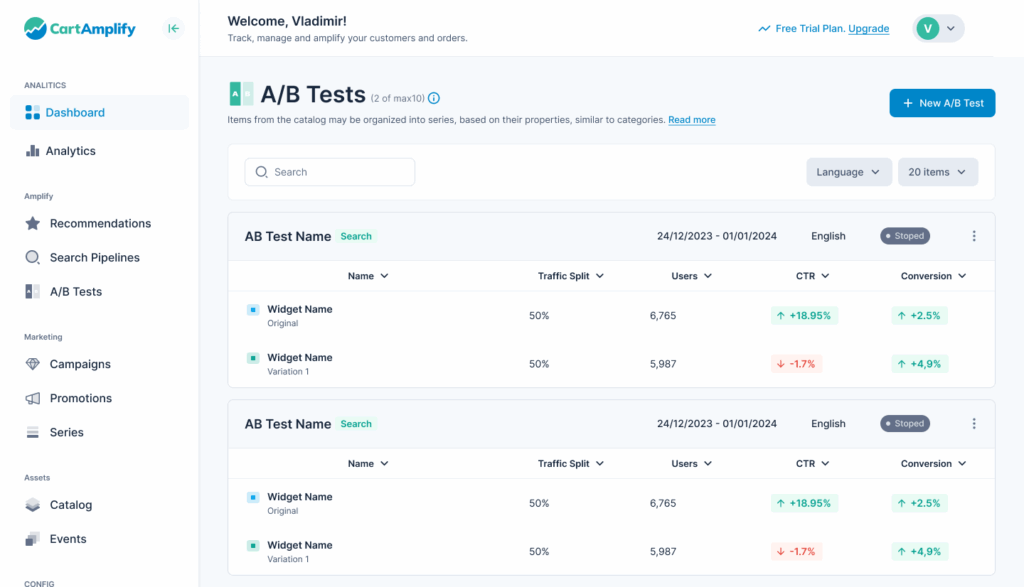
Analyzing Search AI performance is crucial if you’re aiming to improve user experience and increase conversions in platforms like CartAmplify
To analyze the performance of Search AI, you need to evaluate both how effectively it helps users find what they’re looking for and how well it contributes to business goals like conversions or revenue. A good starting point is to measure the click-through rate (CTR) on search results — this shows whether users are engaging with the results being shown.
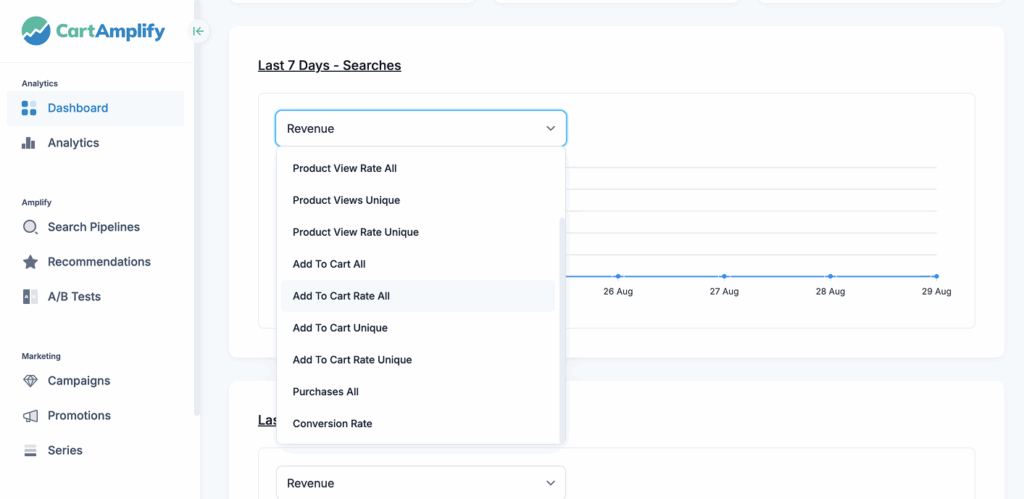
Next, you should look at the conversion rate from search sessions: are users who use search more likely to buy something? This helps you understand if the AI is surfacing relevant and compelling products. Another key metric is the zero-result rate, which indicates how often users receive no results for their queries — a high value here may mean the AI isn’t handling synonyms, misspellings, or long-tail queries well.
Additionally, evaluating search refinement behavior — such as users modifying their search terms multiple times — can reveal whether they’re struggling to find what they need. You should also analyze search exit rate, or how often users leave after a search without taking any action. On the qualitative side, session replays or user feedback can uncover hidden pain points in how search results are displayed or interpreted.
For deeper insight, A/B testing different search models or ranking strategies (such as AI-powered ranking vs. rule-based) can highlight performance differences. Overall, effective Search AI performance analysis combines behavioral data, business impact metrics, and continuous testing to ensure the system is always learning and improving.
- Search Query Reports: Identify common searches and trends.
- Conversion Metrics: Track how many searches lead to product purchases.
- User Behavior Insights: Monitor search refinements, abandoned searches, and click-through rates.
- A/B Testing: Experiment with different settings to find the best-performing search configurations.